LEARN
4 min read
Envato’s creative asset library has every type of asset for every type of project — all made by real creatives. From video templates and stock footage to photos, graphics, fonts, music, and sound effects, you’ve got more than 25 million assets ready to use.
But how to zone in on the assets that are right for your project?
We’ve built powerful search tools that understand context, intent, and creative nuance, so you can spend less time hunting and more time making. Here’s how to best use them.
When you’re seeking inspiration: Search across all categories
Just starting a project?
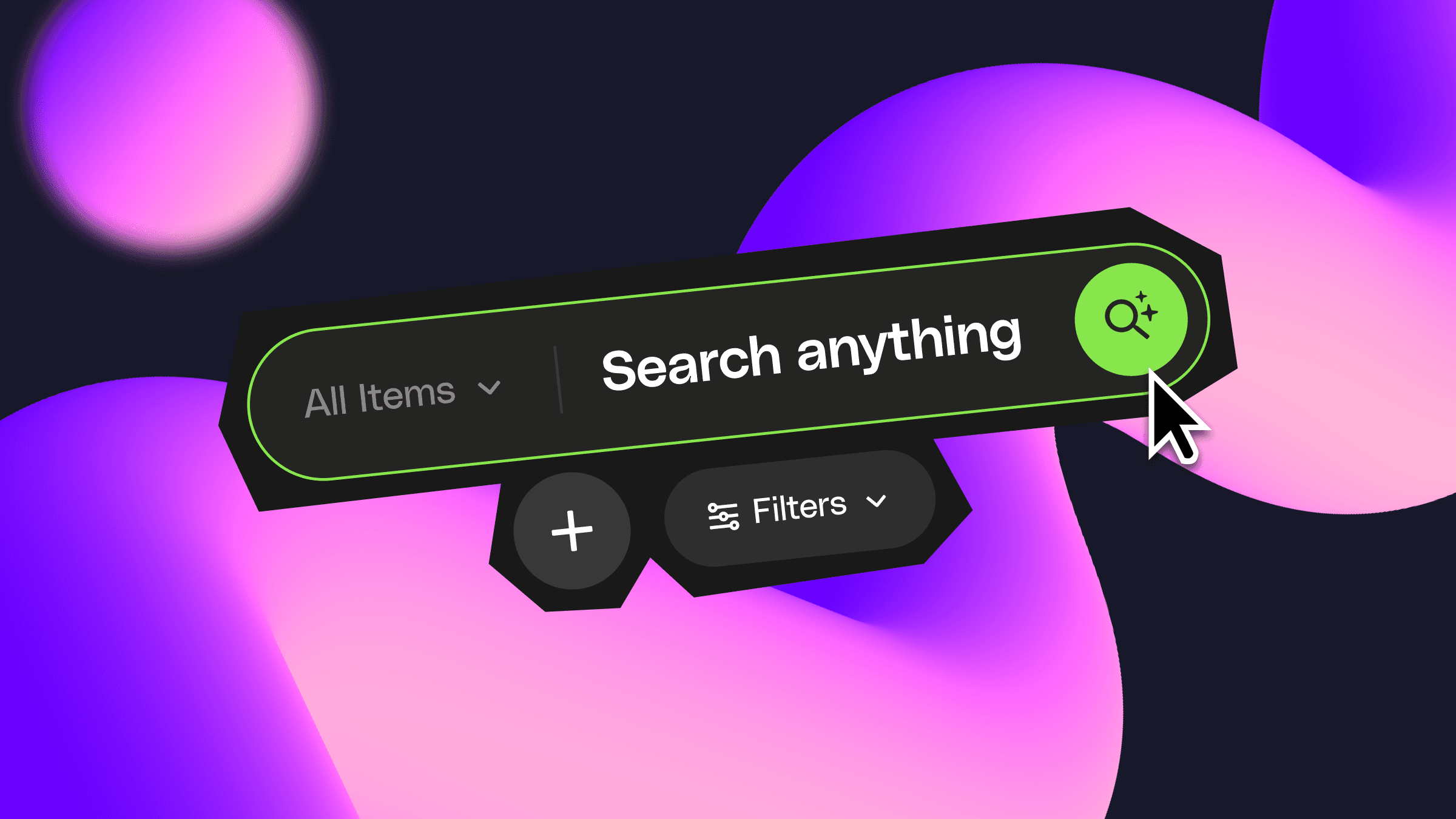
Searching across all categories is perfect for inspiration-led discovery. Type a keyword into the main search bar on the Envato home page, and we’ll surface results across video, graphics, photos, audio, templates, and more — all in one go.
It’s a great way to explore what’s possible.
When you know what you need: Search within a category
Already know exactly what you’re after? A disco ball photo? A car horn sound effect? A cinematic logo reveal?
Use the category dropdown next to the search bar on the homepage or select your category from the sidebar, to narrow your focus instantly. Select your category, type your keyword, hit Search, and you’re straight into the good stuff.
From there, filters do the heavy lifting.
Get more specific with filters
Once you’re in a category, you can refine your results using filters designed specifically for that asset type. For example:
Graphics: Filter by file type (JPG, PNG, SVG, JSON), or properties like Vector, Animated, or Tileable.
Stock video: Narrow by orientation, resolution, frame rate, duration, or even time of day.
Music and sound effects: Filter by genre, mood, tempo, duration, or energy level.
These tools are built to get you to the right asset faster.
Find filters faster by typing them into the search box
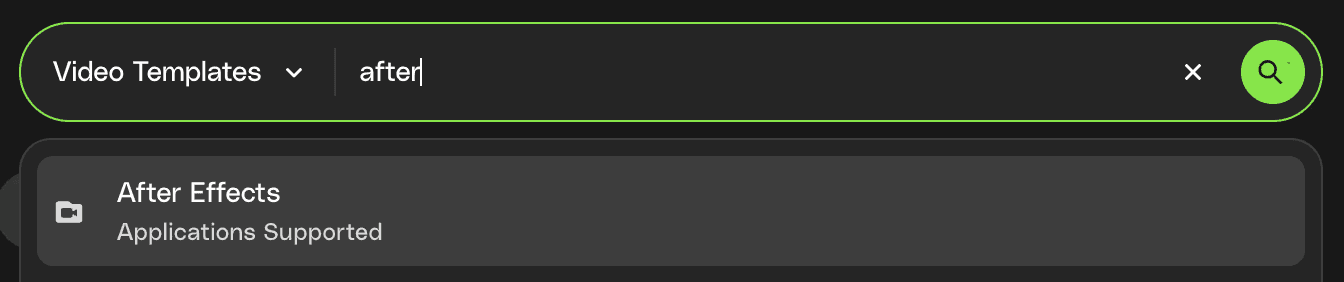
Find the subcategory or filter you need easily, by typing what you need into the Search bar — for instance, if you need an After Effects template within the Video Templates category, start typing After Effects in the search bar, and you’ll be able to select the After Effects filter with one click.
Search smarter with context-rich queries
Behind the scenes, Envato search uses advanced vector search technology. That means it understands meaning and intent, not just exact keyword matches.
The more descriptive you are, the better your results will be.
Instead of broad, single-word searches, try adding detail:
“background” → “abstract purple background”
“city” → “city at night from above”
“woman in park” → “woman in park at golden hour”
“cabin” → “eerie cabin in woods, foggy”
Include details like style, mood, subject, and setting. The search system can recognize related concepts and surface relevant results — even if the asset isn’t tagged with your exact wording.
For example, searching for “running shoes” can still return results labeled as “jogging shoes” or “sneakers”.
Search by image or audio (when words aren’t enough)
Sometimes you know it when you hear it. Or see it.
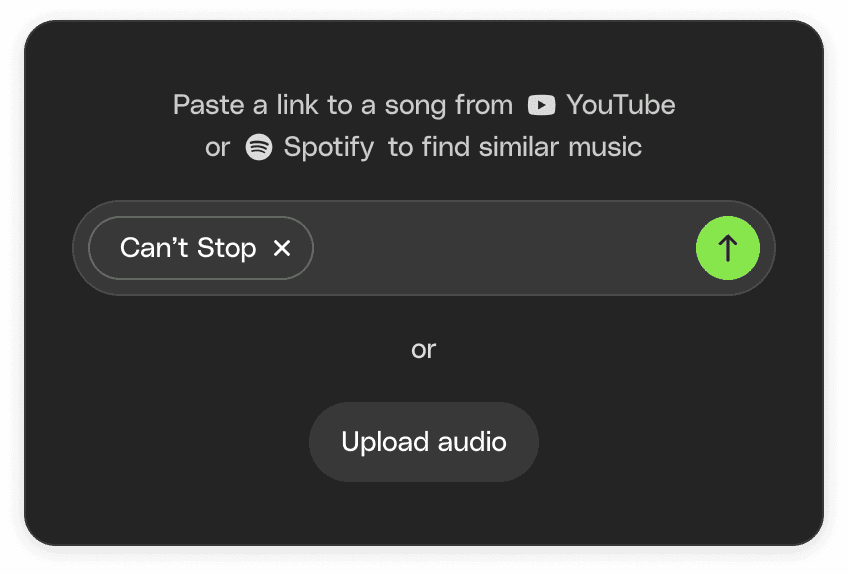
If you’re searching for music, you can paste a link from YouTube or Spotify — or upload an audio file — and we’ll surface tracks with a similar sound and feel.
Looking for photos? Upload an image and we’ll find visually similar assets from the library.
It’s a fast way to match an existing reference without trying to describe it perfectly in text.
Found something close, but not quite perfect?
Once you’ve uncovered an ‘almost there’ asset, scroll down the item page to discover:
Similar items
More assets from the same author
Variations that might fit your brief even better
It’s an easy way to compare options, refine your choice, and land on the best possible fit.