What's new
We're constantly making Envato better. Here are the latest exciting updates.

New Feature
Workspaces now work the way you do
Creative work rarely happens in a straight line, so why should your workspace? With Nested Workspaces, you can organise projects by client, campaign or stage, creating a structure that mirrors the way you actually work. Keep your creative world organised without carrying it all in your head. You can create a Nested Workspace from within your Workspace, or on the fly as you save. Create your first Nested Workspace today!

New Feature
Introducing LUTs as a new category
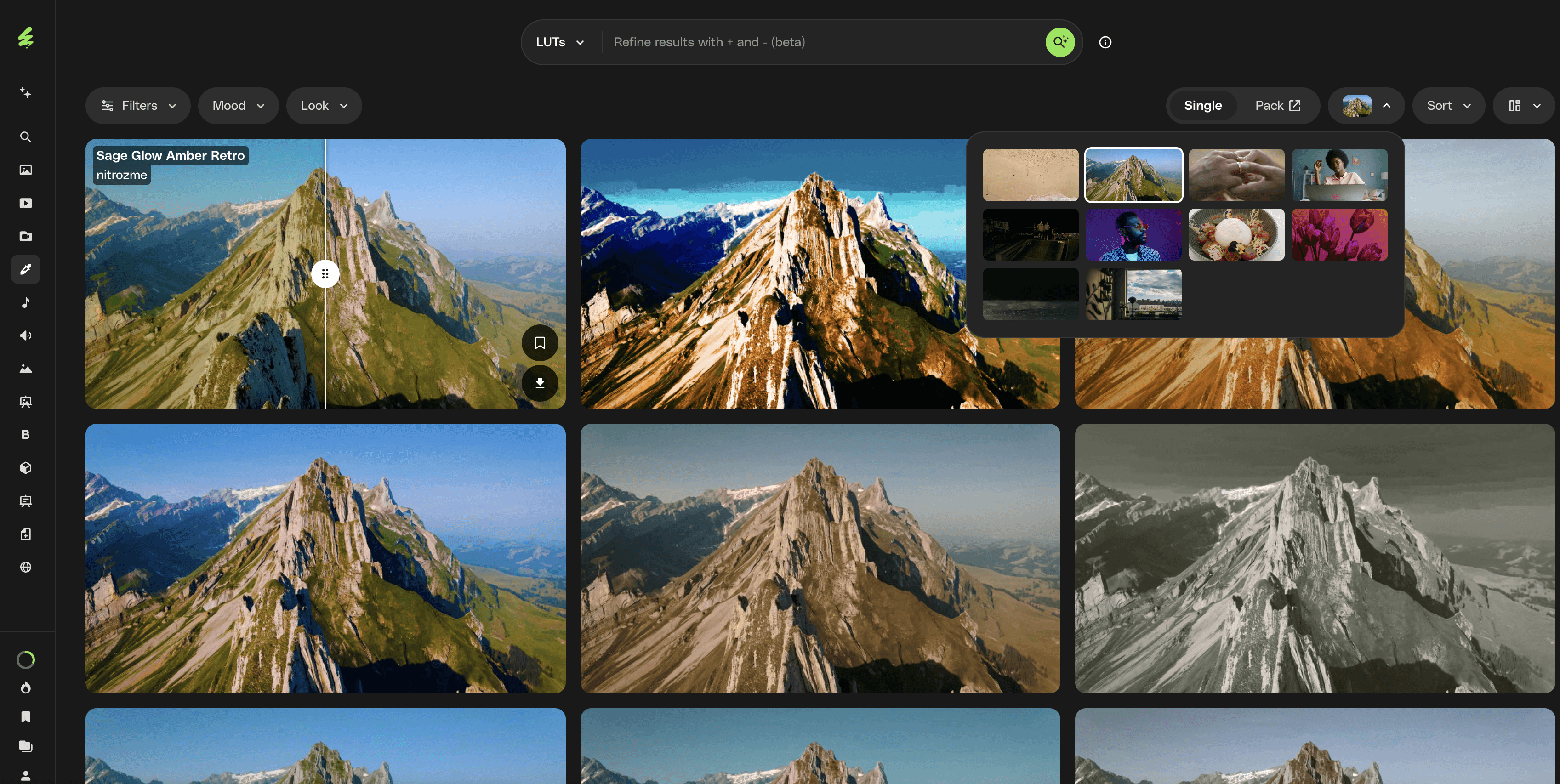
Search and preview 66,000 individual LUTs in their own dedicated space to fit your workflow. Filter by mood and look, preview LUTs on a range of frames with a before/after slider straight from the search results, or continue to access LUT packs from the Video Templates category. Coming soon: LUTs preview features you won't find anywhere else — so you can finalise your assets faster than ever.
New Feature
Upscale your generated videos
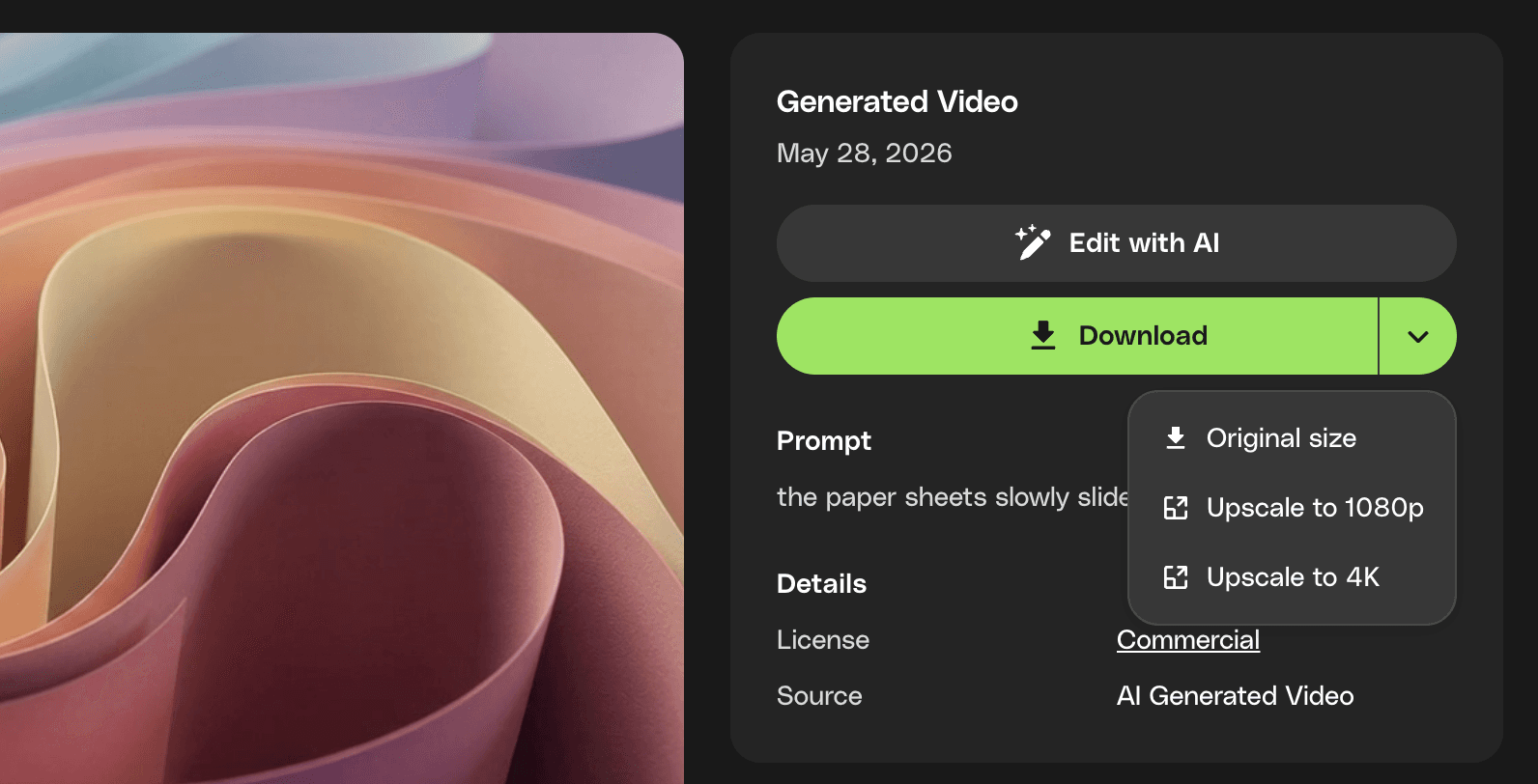
Upscale your video gens to 1080p or 4K before you download, so what you deliver is the highest quality version of your work. It works directly from the download button, fits into your existing workflow, and runs in the background so you can keep creating while it processes. Upscaled outputs are saved to your history, ready to re-download at any time without having to regenerate.
New Feature
Good instincts. Better tweaks
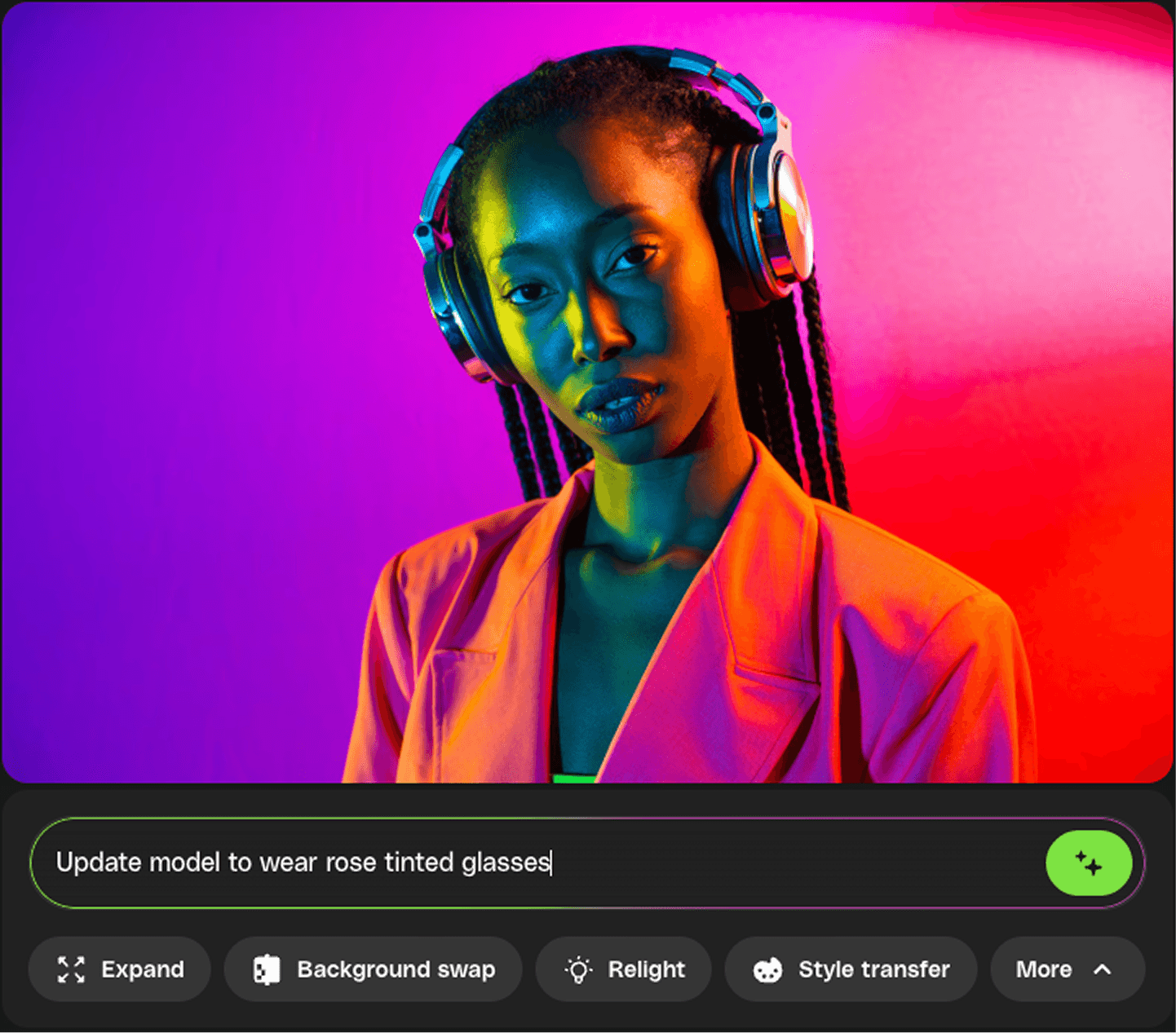
Creative work rarely arrives fully formed. Neither should your assets. With new AI-powered actions under photo previews, you can refine lighting, mood, and details in a few clicks, turning "close enough" into "exactly what I had in mind." Because great ideas deserve more than compromise. Try it out now.
Improvement
Presets now fully support portrait on VideoGen
Camera and style presets now work across both landscape and portrait formats. If you're creating vertical content for social platforms, you can apply presets directly to 9:16 generations; no manual workarounds needed.
Improvement
Keep tabs on your favorites
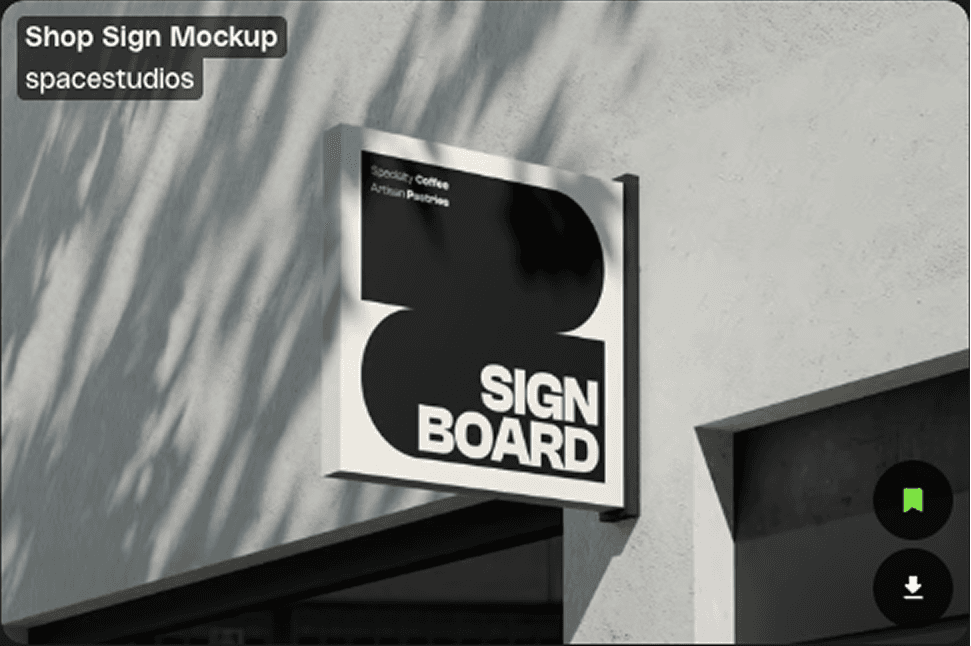
Saved items now show a highlighted bookmark icon, making it easier to see what's already on your radar as you browse. Less hunting, more confidence you're keeping track of the good stuff.
New Feature
Target specific reference images in your image generation prompts
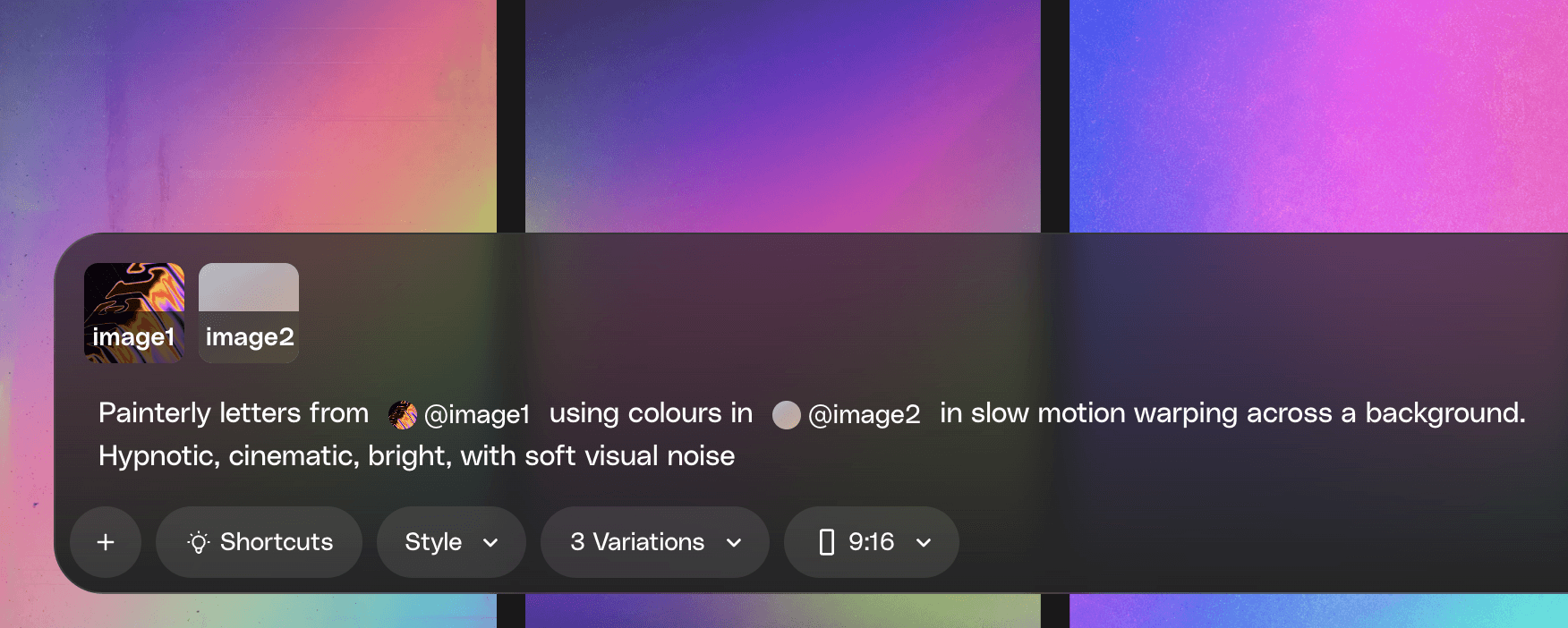
When using multiple reference images, you can now specify exactly which reference you mean directly in your prompt (e.g. "make @image1 wear the hat from @image2"). Rather than the model blending all your references together, each element lands where you intended it, giving you precise control over the final result.
Improvement
Exact dimensions now shown in ImageEdit crop and expand
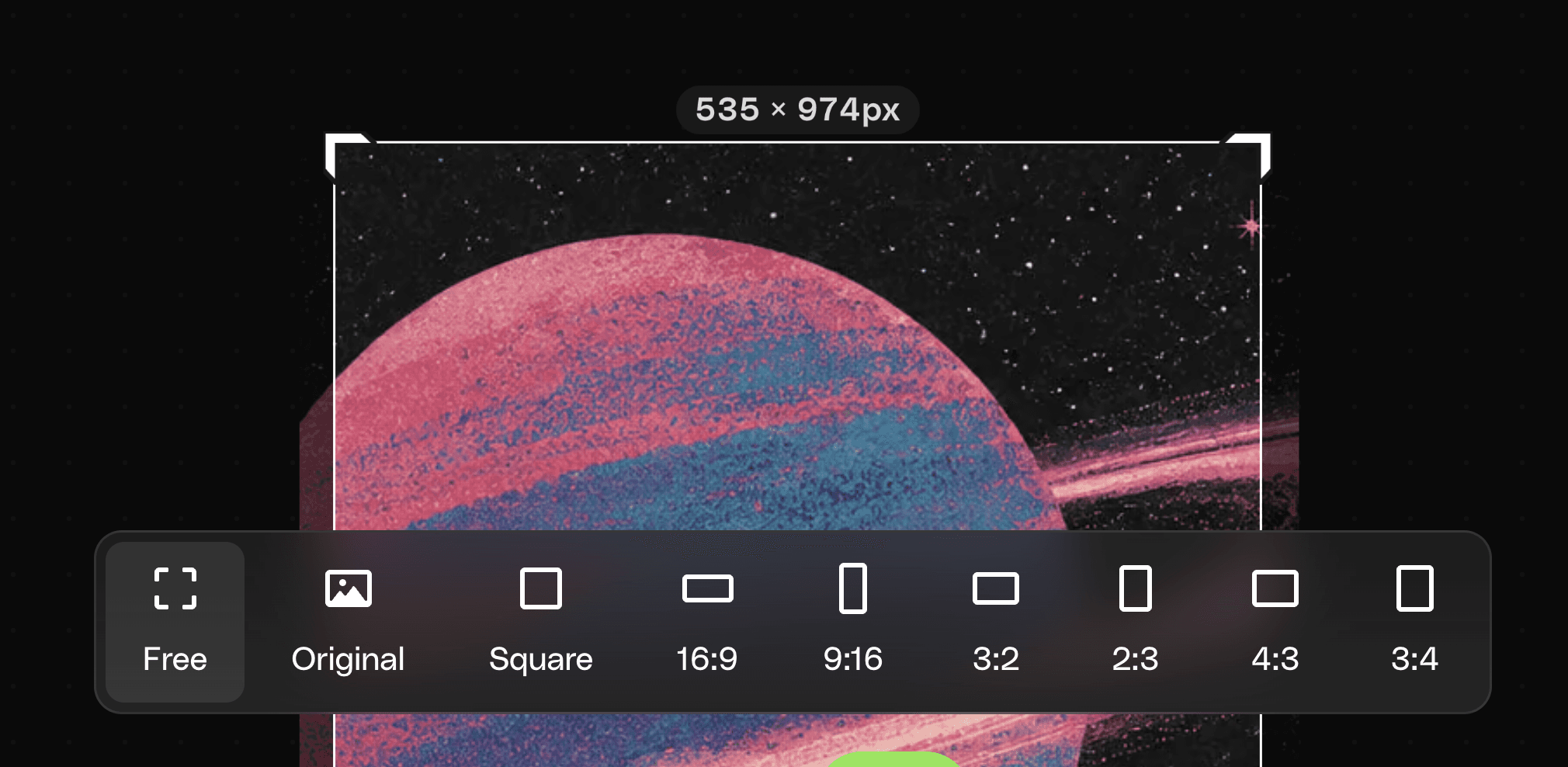
When using free crop or expand in ImageEdit, the exact pixel dimensions (e.g. 1280 x 720px) are now displayed above the edit zone as you work, updating in real time. If you're working to specific output sizes, you'll always know exactly what you're getting.
Improvement
Spot downloads at a glance
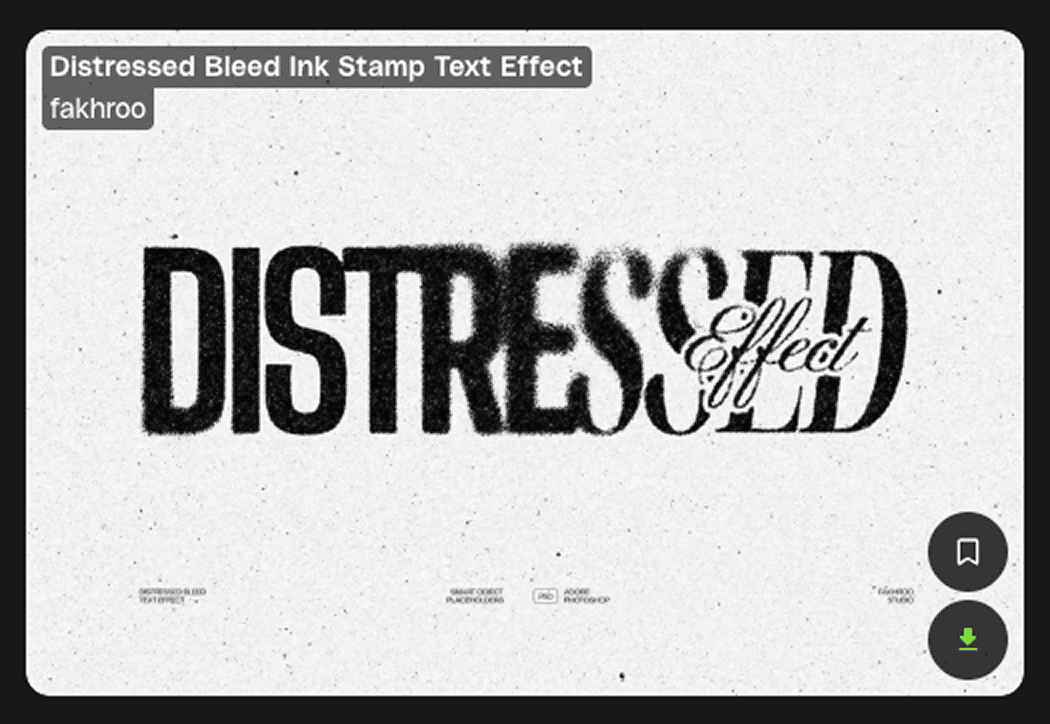
Downloaded items now show a highlighted download icon, making it easier to see what you've already grabbed as you browse. Less second-guessing, more confidence you're working with the right files.
Improvement
Find it fast. Stay in flow with Workspace filters
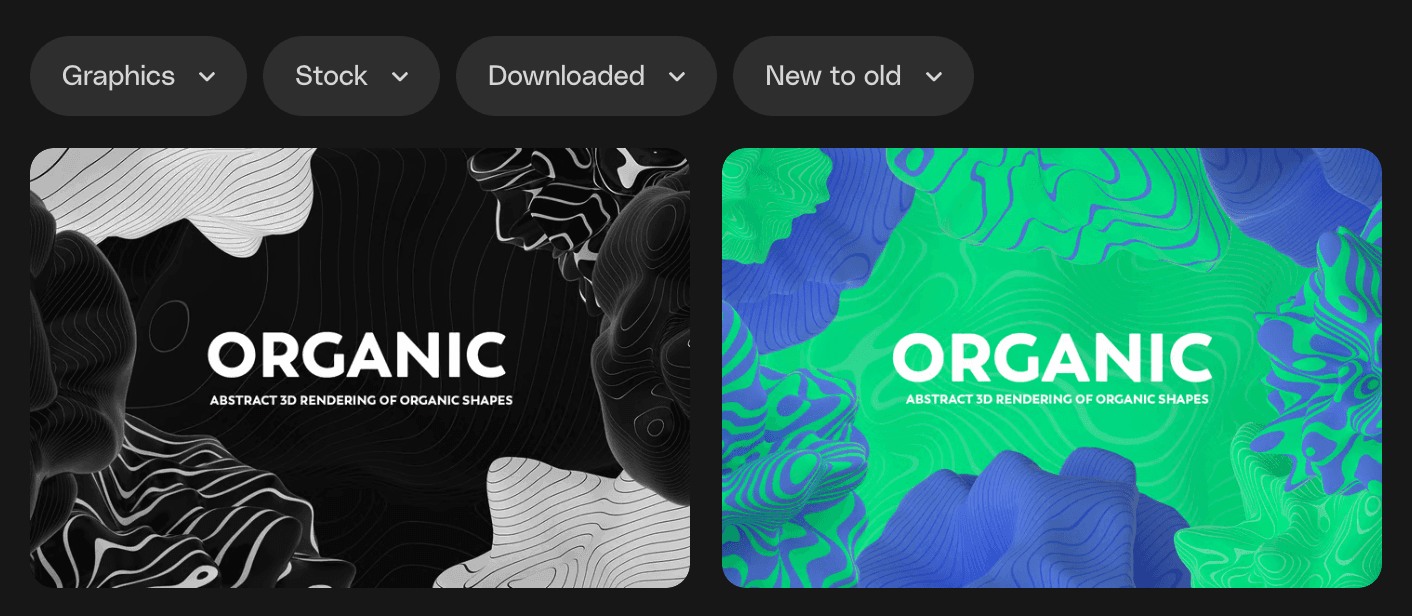
You know that moment when you know that asset you saved is in there somewhere… but it’s playing hard to get? Yeah, we fixed that. New filters let you find that download, generation or early stock asset you added to your Workspace. So you spend less time searching. More time making.
Improvement
Command is your new best friend in Workspaces
Command is the fastest way to get things moving in Workspaces.
Start with Command + A to grab all your assets in one go. Then keep your hands where they belong (on the keyboard) and stay in flow.
From there, it’s just a few taps: D to download. L to license. C to copy. M to move. R to rename. S to share.
New Feature
Seedance 2.0 out on VideoGen
Seedance 2.0 has arrived on VideoGen, providing a major leap forward in generation quality. Outputs have a noticeably more authentic feel (less "AI sheen", more cinematic), with significantly improved text rendering, realistic physics and animation, and better response to complex camera movement instructions.
Seedance 2.0 also handles complex scenes with ease, from layered crowd movements to intricate character animation, with production-quality lighting throughout.
New Feature
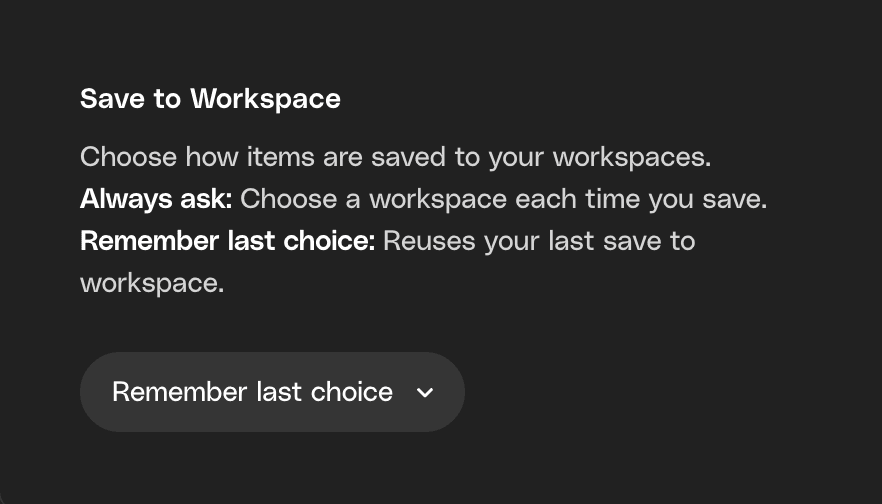
Saving to Workspaces just got smarter
With “remember last choice,” your stock and generations now save straight to your last Workspace automatically. No extra clicks, no second guesses.
Just you, your project, and a workflow that keeps up. (As it should.)
Improvement
Search previously created license names
Reusing license names just got easier. You can now search across all your names and assign them at download.
Not in the mood to name things? No stress, you’re still fully licensed either way.
Improvement
Search by author (yes, finally)
Got a favorite creator? Now you can search by author using @name to quickly find their work.
Even better—mix and match. Search across multiple authors to explore more from the creators you trust, all in one place.

New Feature
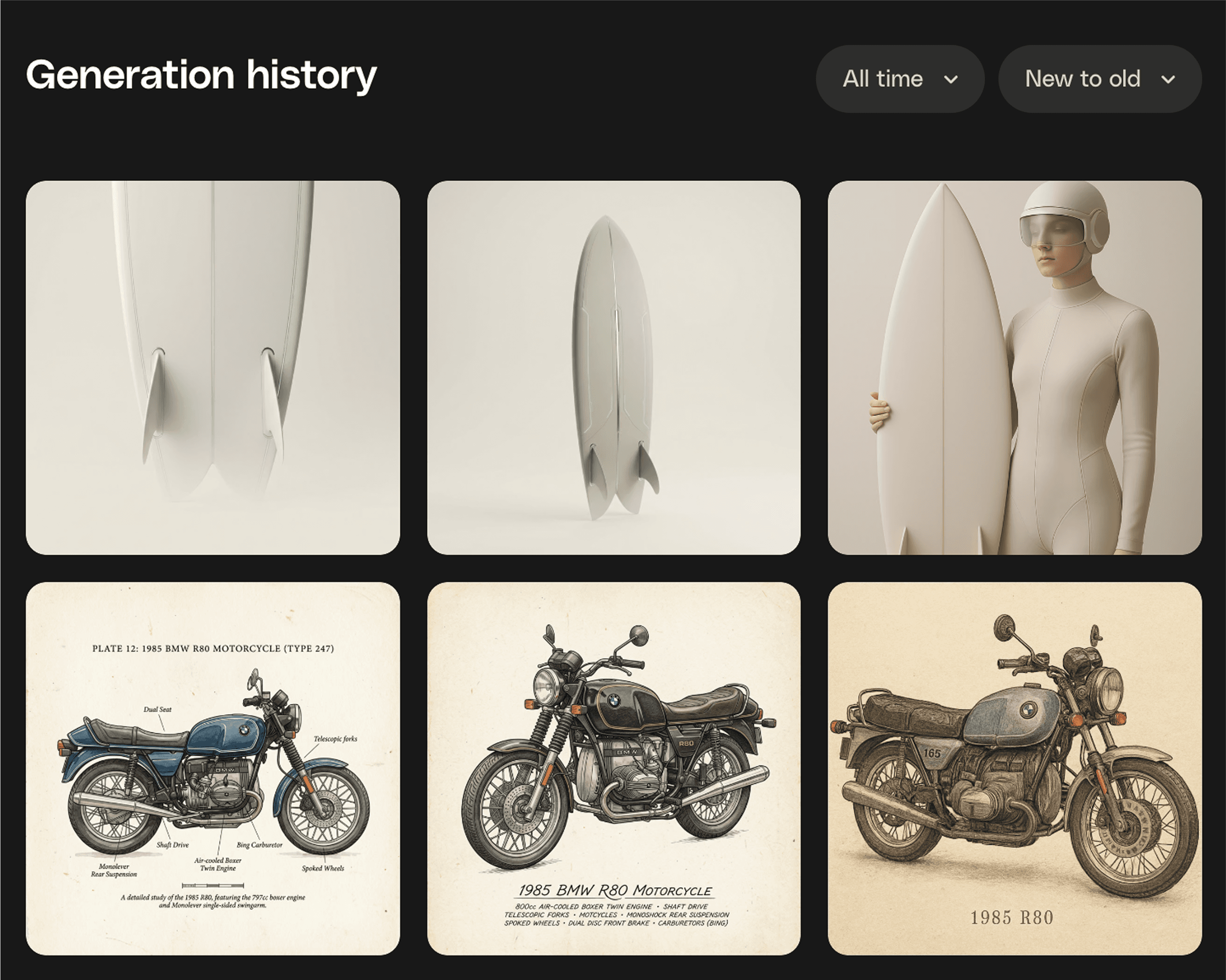
Every generation, right where you need it
Because your best ideas shouldn’t disappear into the void. Generation History puts every AI creation in one spot, ready to revisit, refine, or take somewhere new. Think of it as your creative breadcrumb trail. Follow it back, grab what works, and keep building. Download, or save it to Workspaces to stay beautifully organised.
New Feature
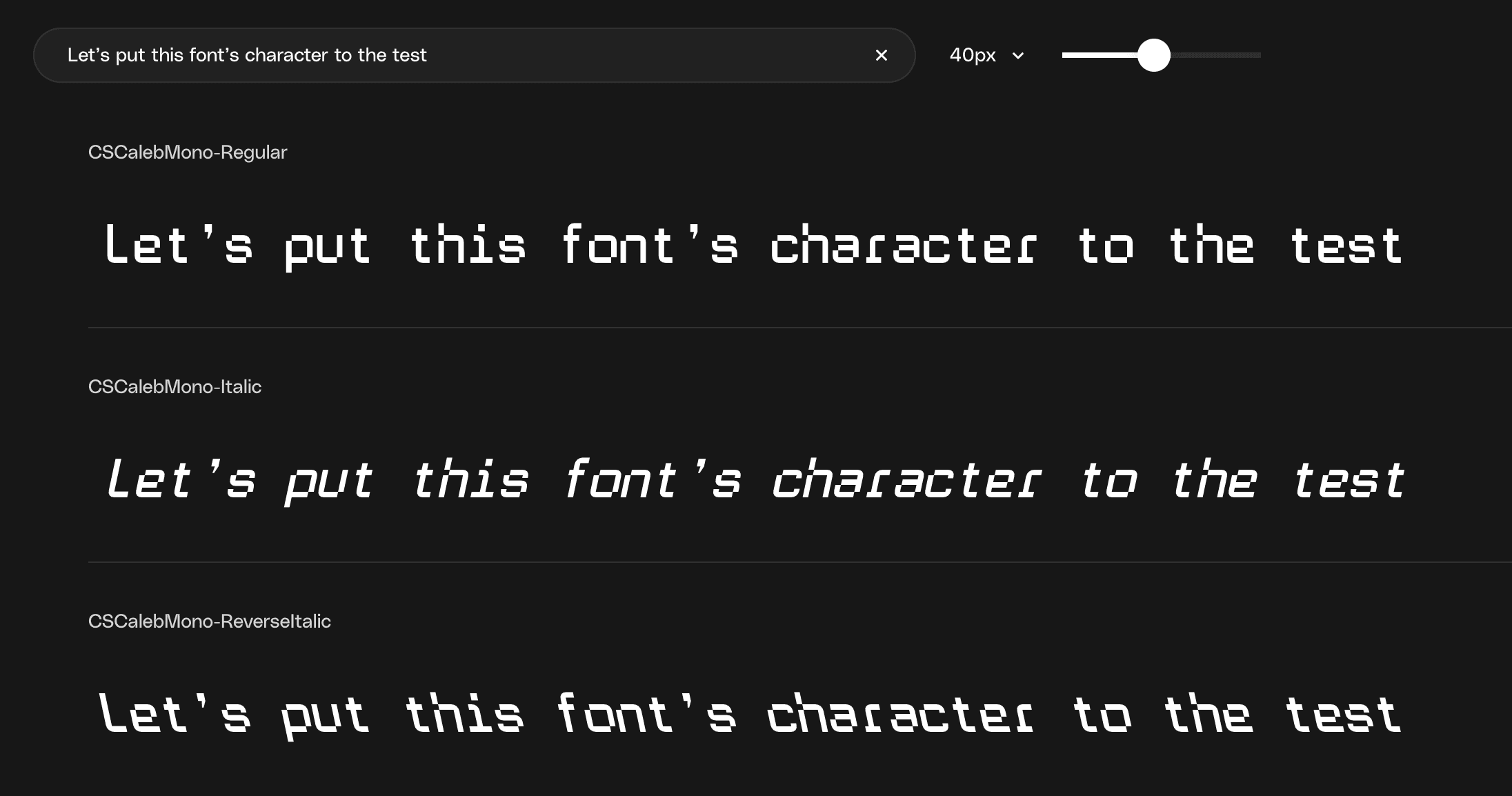
Font previews are here
You can now test fonts directly onsite before downloading. Type your own text, preview different weights, and adjust the size to see if a font fits your project. No installs or external tools needed. This makes it faster to shortlist the right font for your creative projects so you only download what you’re confident you’ll use.
Improvement
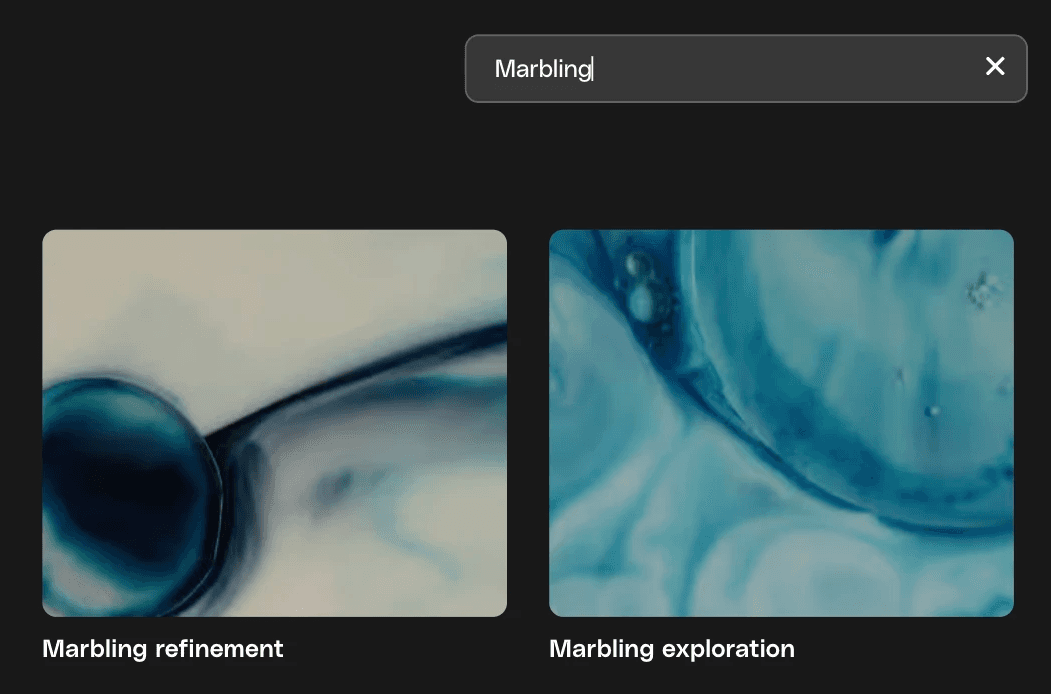
Search in Workspaces
You can now quickly search your Workspaces by name. Start typing and your Workspaces will instantly filter to show matches, so you can jump straight into the Workspace you need.
Improvement
Faster access to your saved workspace
When you save to a workspace, you’ll now see a confirmation with a link to your Workspace, so you can dive straight in and stay in your creative flow.
New Feature
Luma Ray 3.14 out on VideoGen
Luma Ray 3.14 has arrived on VideoGen, providing an upgrade to Ray 3 that's 4× faster. Improved prompt adherence and fewer artefacts means that generations are more reliable and closer to what you describe.
Ray 3 is already one of the strongest models on VideoGen for cinematic quality, and Ray 3.14 makes that same quality faster and more consistent.